How to Transcribe a WhatsApp Voice Message
To transcribe a WhatsApp voice message on iPhone, long-press the message, tap Forward, tap the Share icon, and choose AnyScribe. The voice note is transcribed into clean text with an AI summary — useful for long messages you can't play out loud. The first 30 minutes of transcription are free.
Step by step
Exact steps on your iPhone
- 1
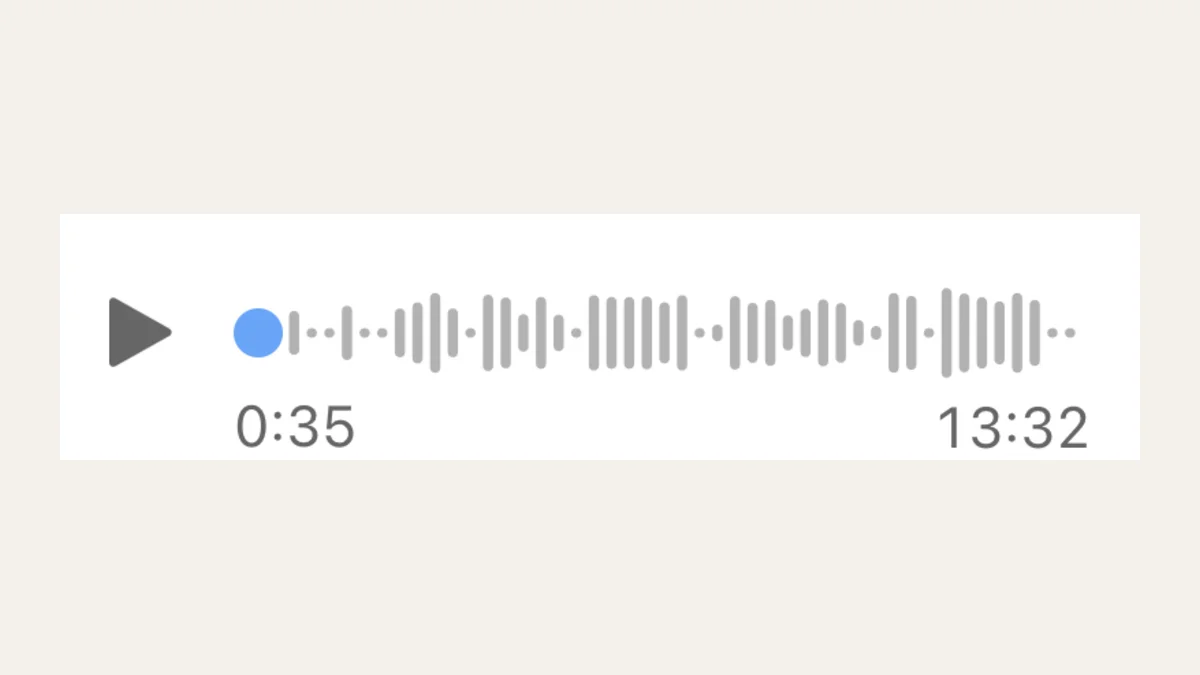
Long-press the voice message
In the WhatsApp chat, press and hold the voice note until the context menu appears.
- 2
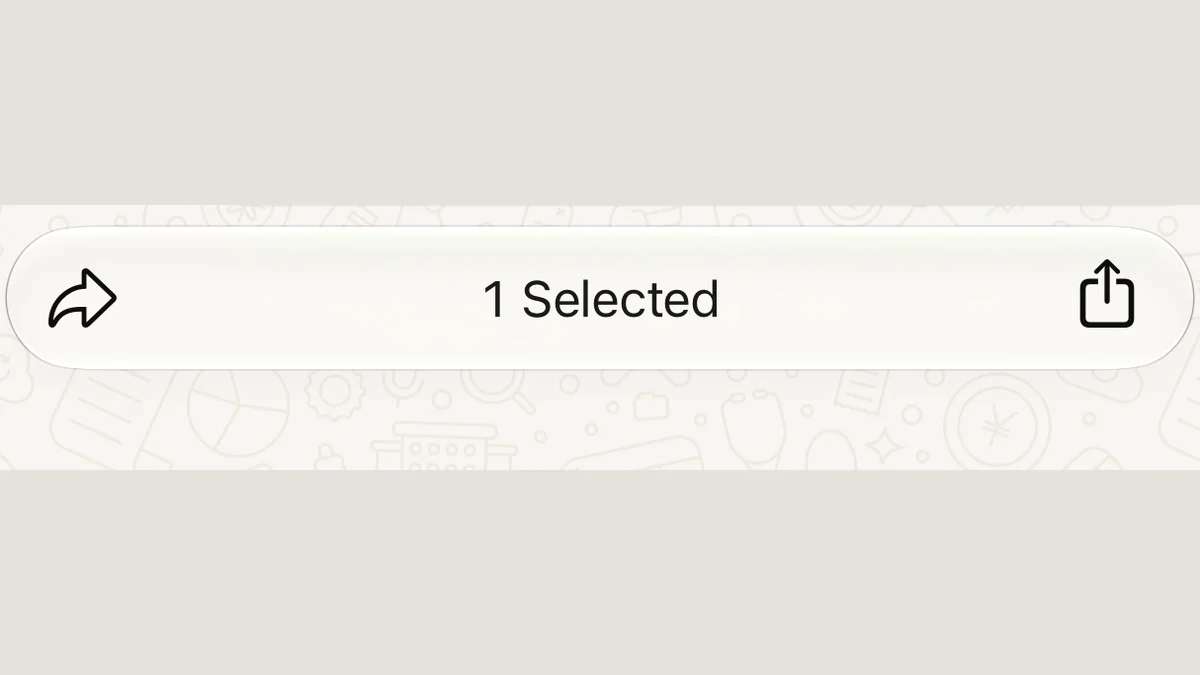
Tap Forward
Choose Forward, then tap the Share icon in the bottom corner to open the iOS share sheet.
- 3
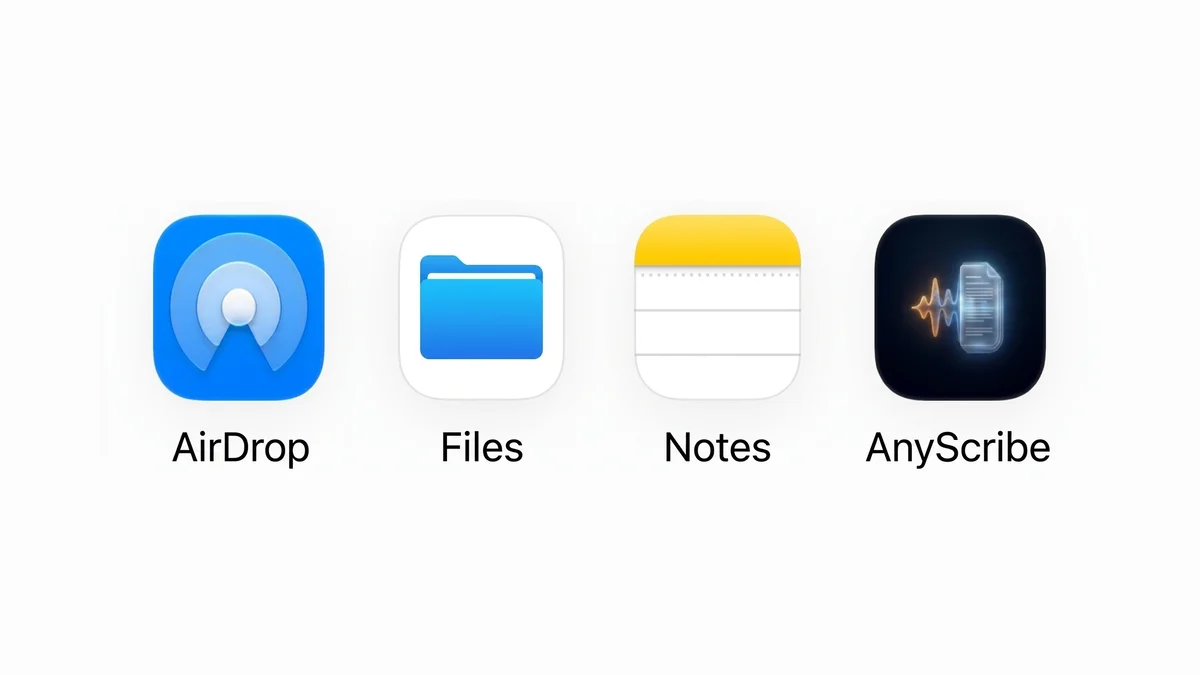
Choose AnyScribe
Select AnyScribe from the share sheet. The audio file is sent directly to the app.
- 4
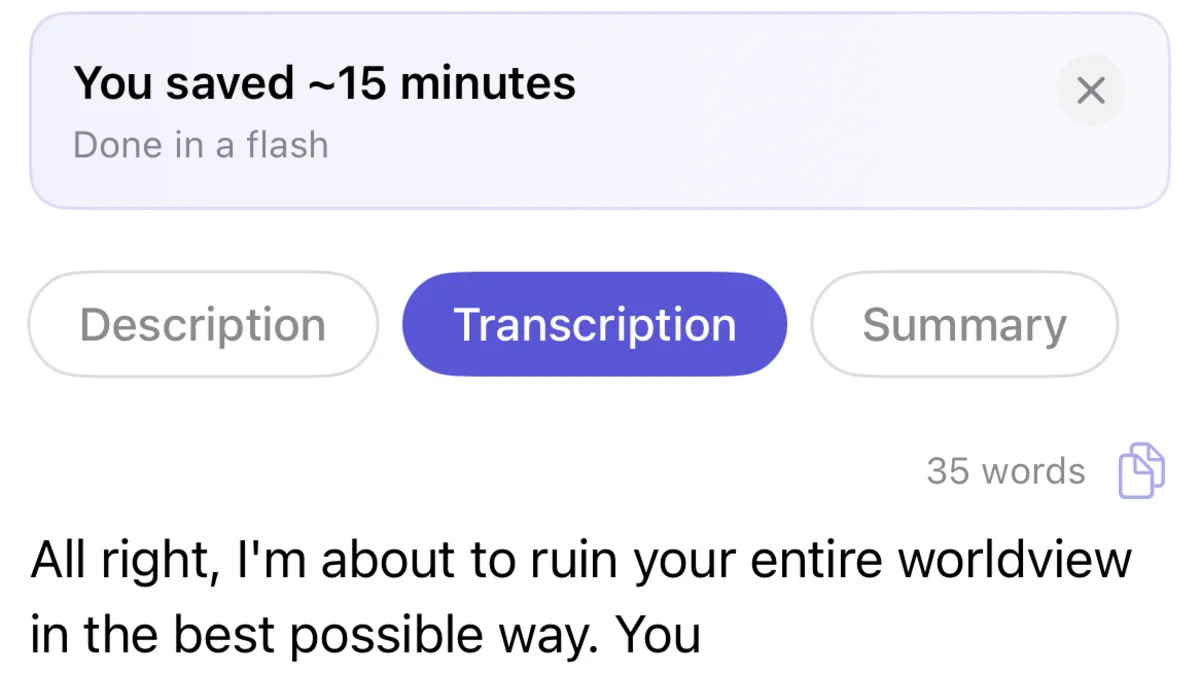
Read instead of listening
You get the full text plus an AI summary. Long voice notes become skimmable paragraphs you can search later.
Who this workflow is for
Anyone who receives five-minute voice notes and needs the point in ten seconds
People in meetings, transit, or shared spaces who can't play audio
Family and work group members keeping searchable records of what was agreed
People receiving voice messages in a language they read better than they hear
Telegram voice messages work too
For Telegram, save the voice message to Files first (tap the message, choose Save to Files), then import it into AnyScribe from the Files app. Any downloaded audio file can be transcribed the same way.
What works
WhatsApp voice notes forwarded via the share sheet
Telegram voice messages saved to Files
Any audio file from Files: m4a, mp3, ogg, opus, and more
Good to know
Transcription happens in AnyScribe, not inside WhatsApp — the forward step is required
Be considerate: the message was sent to you, but sharing its contents further is your responsibility
iOS and iPadOS only
Simple, Honest Pricing
No subscription. No account. Buy credits when you need them — they never expire.
Free
$0
30 minutes included with the app. No strings attached.
1 Hour
$1.99
Perfect for occasional use. Credits never expire.
4 Hours
Best value$5.99
Best value for regular transcription needs.
12 Hours
$14.99
For power users and professionals. Credits never expire.
FAQ
Common questions
- Can AnyScribe transcribe voice notes in other languages?
- Yes — over 50 languages with automatic detection, which is handy for multilingual family and work chats.
- Does the sender know I transcribed their message?
- No. The forward-to-share-sheet step sends the audio only to AnyScribe on your phone. Nothing is posted back to the chat.
- Is my voice message stored on AnyScribe's servers?
- Audio is sent to the transcription provider for processing and is not stored after transcription. The transcript lives on your device and in your iCloud.
- What about really long voice messages?
- Length is only limited by your credit balance. A 10-minute voice note uses 10 minutes of transcription time.
Start Transcribing for Free
30 minutes of free transcription. No account needed. No subscription ever.
Download for iOSLast verified on August 3, 2026 against the current version of AnyScribe for iOS.