How to Transcribe an Instagram Reel to Text
To transcribe an Instagram Reel, tap the Share (paper plane) icon on the Reel, choose Share to…, and select AnyScribe. The app fetches the Reel's audio and returns a transcript with an AI summary. It works with any public Reel, and your first 30 minutes of transcription are free.
Step by step
Exact steps on your iPhone
- 1
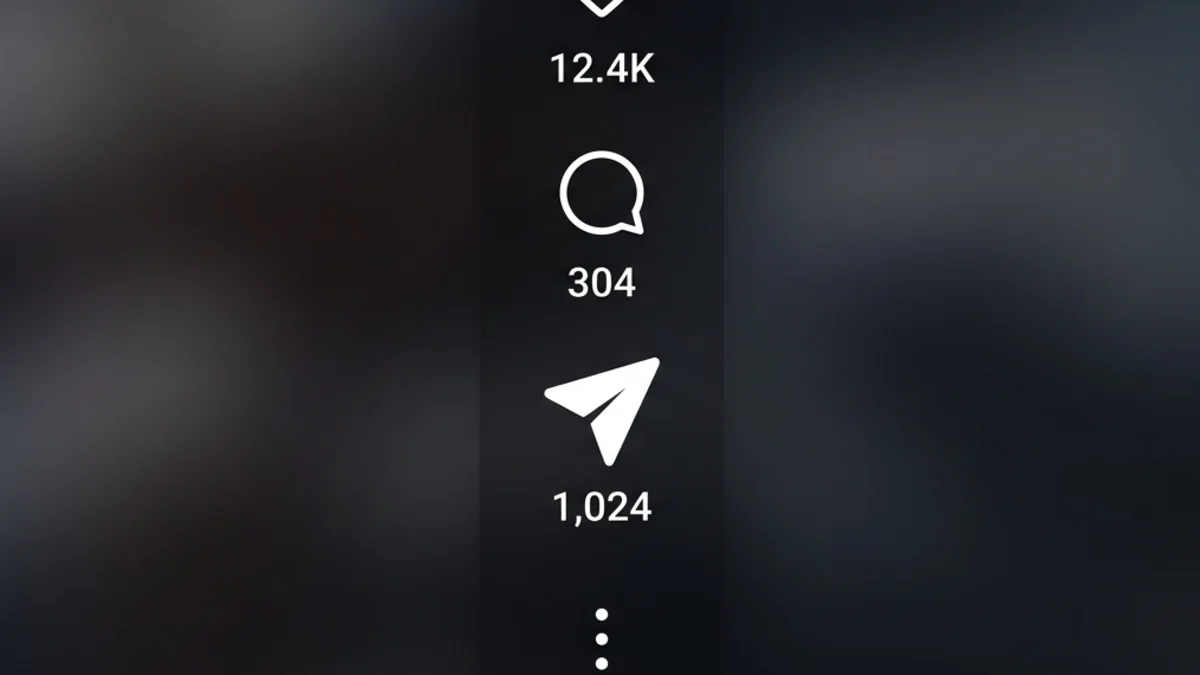
Open the Reel in Instagram
Tap the paper-plane Share icon to the right of the Reel.
- 2
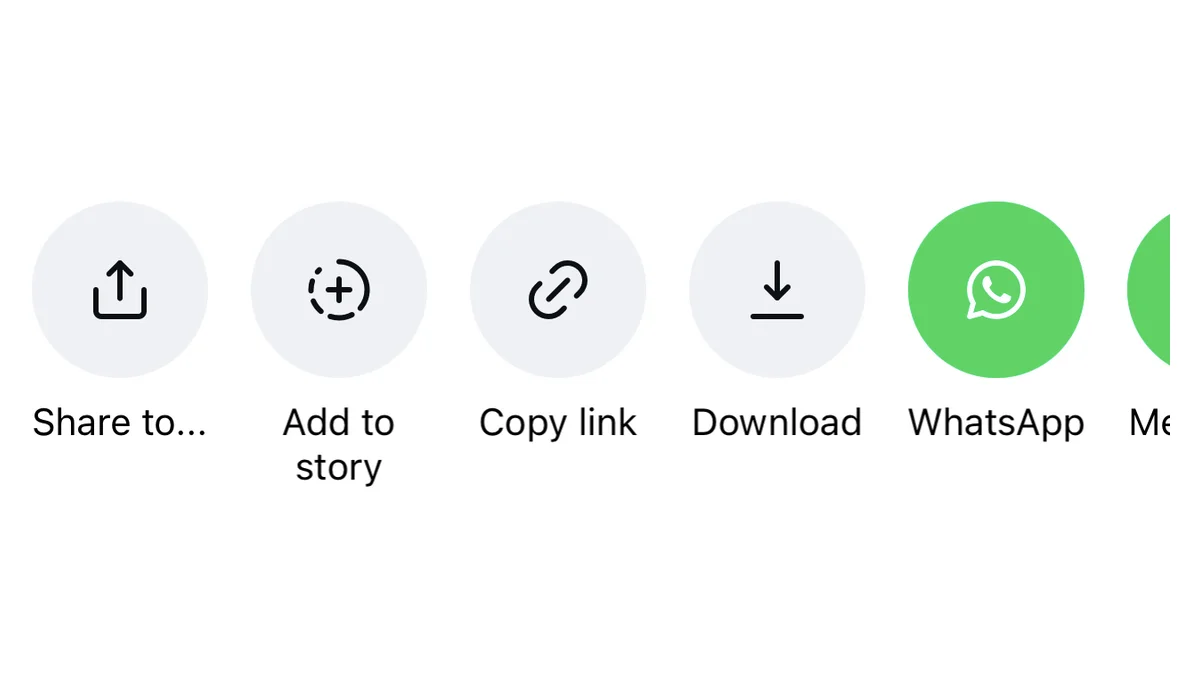
Tap Share to…
In Instagram's share panel, choose Share to… to open the iOS share sheet.
- 3
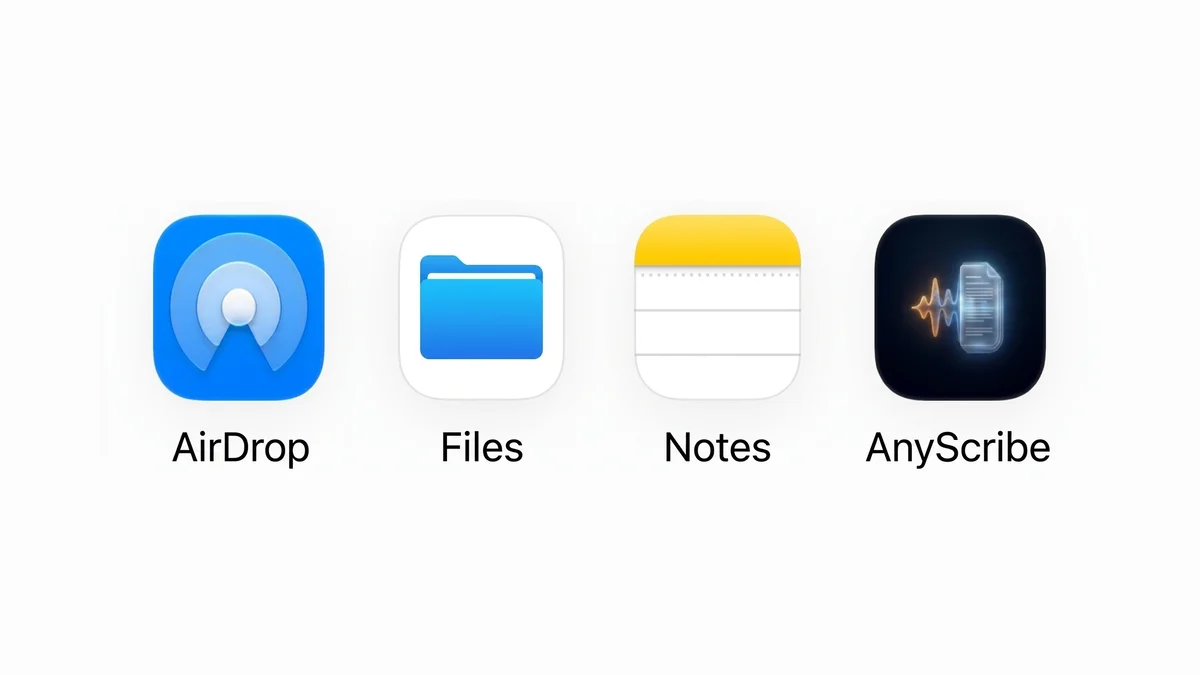
Choose AnyScribe
Select AnyScribe. The first time, tap More to enable it in the app list.
- 4
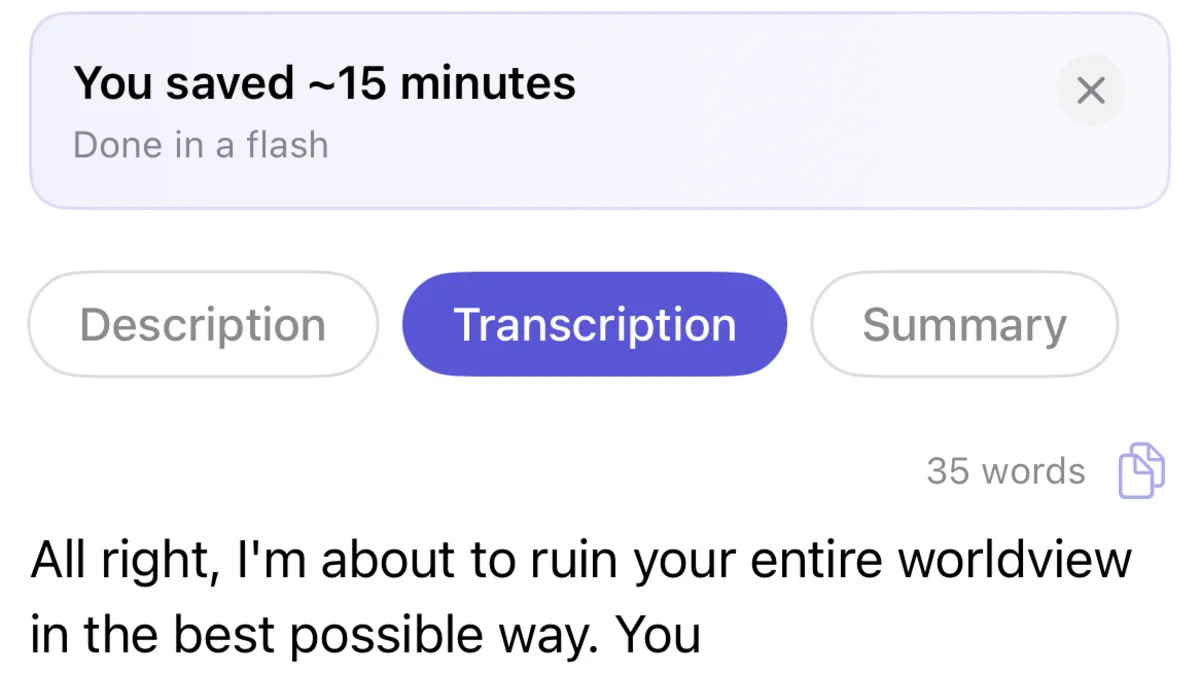
Read the transcript and summary
AnyScribe transcribes the Reel and generates a summary with the key points. Everything is saved to your searchable library.
Who this workflow is for
People saving workout plans, recipes, and advice buried in talking-head Reels
Marketers and creators analyzing what competitors say in their scripts
Anyone who wants Reels as notes instead of a bookmark folder they never reopen
Copy the link if sharing is unavailable
Some Reels only offer Copy Link in the share panel. That works too: copy the link, open AnyScribe, and paste it into the input field.
What works
Public Instagram Reel links
Instagram video posts with spoken audio
Screen recordings imported from Photos
Good to know
Reels from private accounts cannot be fetched
Reels with only a music track have little or no speech to transcribe
Instagram Stories are not supported via link — screen-record and import instead
iOS and iPadOS only
Simple, Honest Pricing
No subscription. No account. Buy credits when you need them — they never expire.
Free
$0
30 minutes included with the app. No strings attached.
1 Hour
$1.99
Perfect for occasional use. Credits never expire.
4 Hours
Best value$5.99
Best value for regular transcription needs.
12 Hours
$14.99
For power users and professionals. Credits never expire.
FAQ
Common questions
- Does it work with Reels from private accounts?
- No. The Reel must be publicly accessible for AnyScribe to fetch its audio.
- Can I transcribe a Reel in another language?
- Yes. AnyScribe transcribes over 50 languages and detects the language automatically, even when several are mixed.
- Is there a limit on Reel length?
- No practical one — Reels are short. Transcription time is deducted from your balance based on the actual audio length.
Start Transcribing for Free
30 minutes of free transcription. No account needed. No subscription ever.
Download for iOSLast verified on August 3, 2026 against the current version of AnyScribe for iOS.