How to Transcribe a TikTok Video to Text
To transcribe a TikTok on iPhone, tap the Share arrow on the video and choose AnyScribe in the share sheet, or copy the link and paste it into the app. AnyScribe transcribes the spoken audio and adds an AI summary. Any public TikTok works, and the first 30 minutes of transcription are free.
Step by step
Exact steps on your iPhone
- 1
Open the video in TikTok
Tap the Share arrow on the right side of the video.
- 2
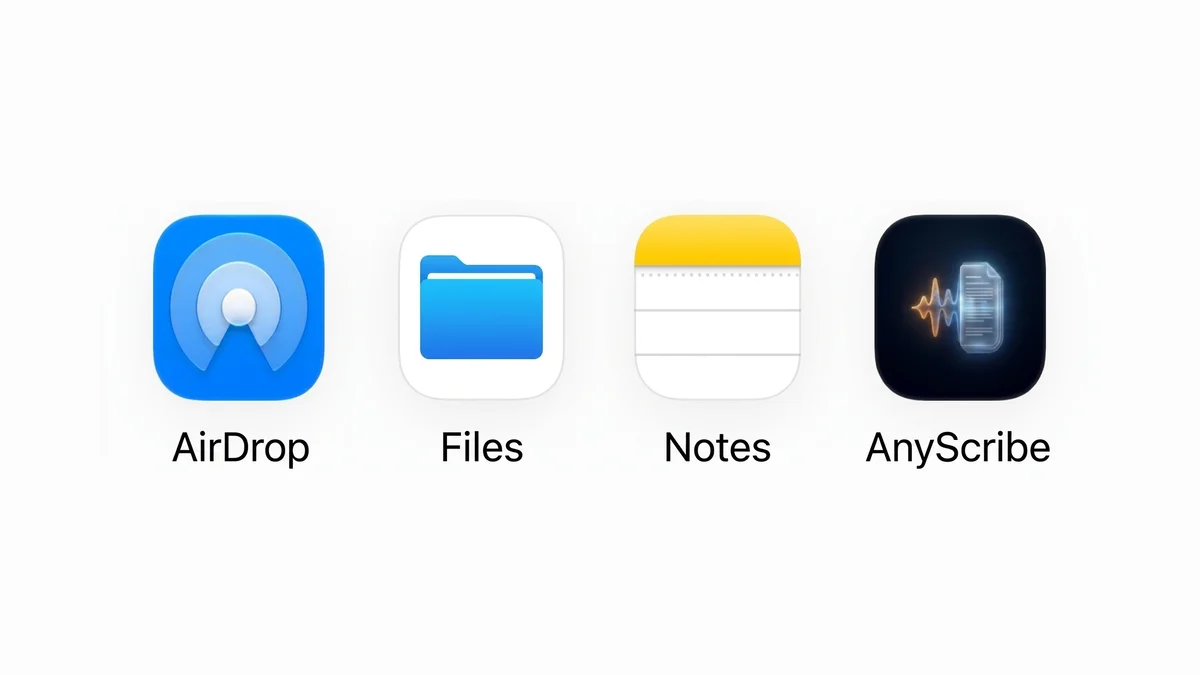
Choose AnyScribe
In the share panel, pick AnyScribe from the app row. If it's not visible, tap More or use Copy Link instead.
- 3
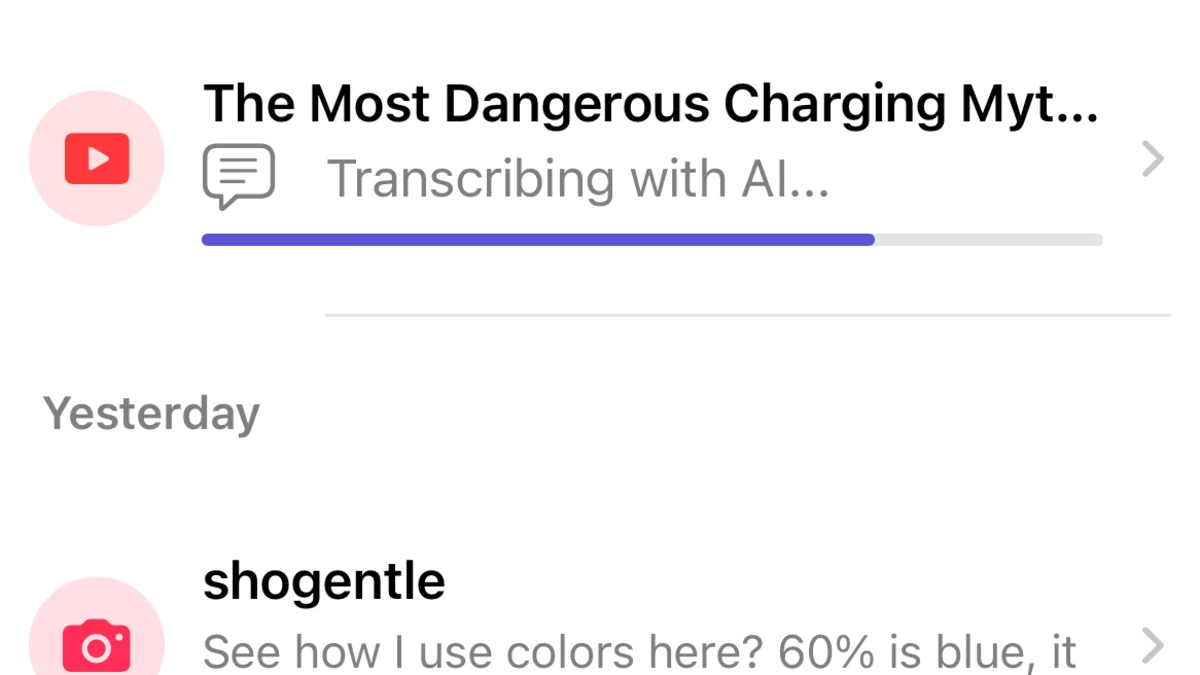
Let AnyScribe do the work
The app fetches the video's audio and transcribes it. Short clips are ready almost immediately.
- 4
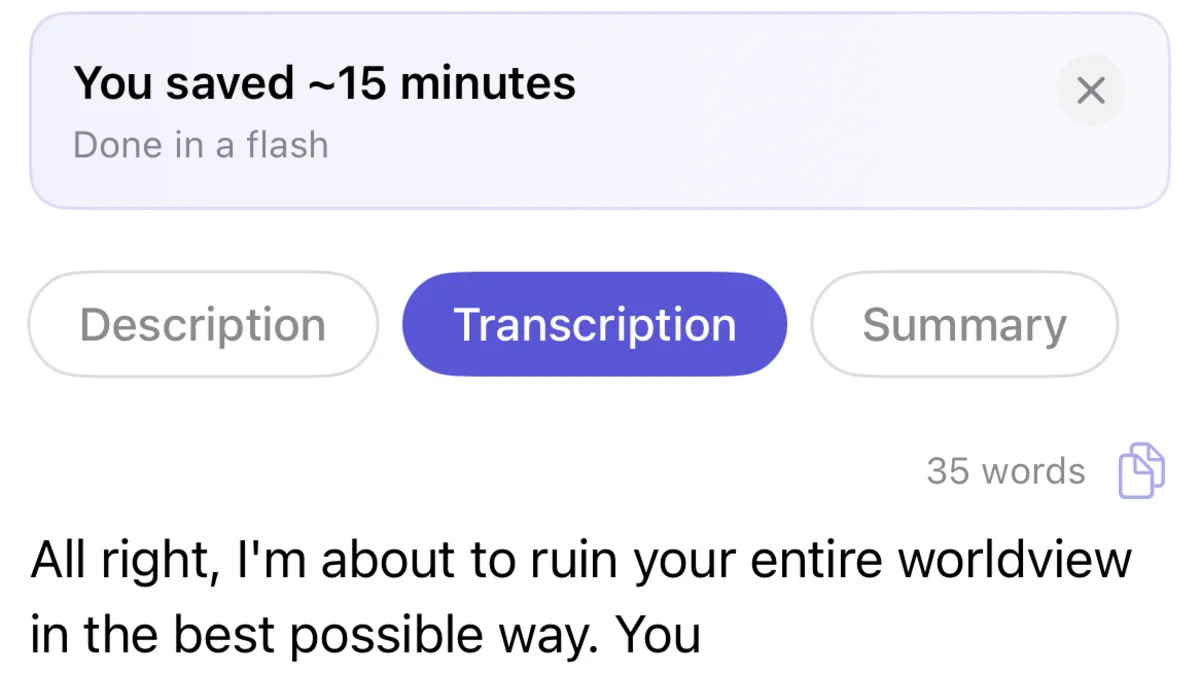
Use the text
Read the transcript with the AI summary, search it later, copy quotes, or share it as a web page.
Who this workflow is for
People capturing advice, tutorials, and hot takes before the feed moves on
Creators and social media managers studying scripts and hooks that perform
Students and researchers citing spoken claims from TikTok accurately
What works
Public TikTok video links, including vm.tiktok.com share links
Videos saved to Photos and imported directly
Links from other platforms: YouTube, Instagram, Twitter/X, and more
Good to know
The video must be public — private accounts and friends-only videos won't work
Photo-mode posts and clips with only a music track contain no speech to transcribe
iOS and iPadOS only
Simple, Honest Pricing
No subscription. No account. Buy credits when you need them — they never expire.
Free
$0
30 minutes included with the app. No strings attached.
1 Hour
$1.99
Perfect for occasional use. Credits never expire.
4 Hours
Best value$5.99
Best value for regular transcription needs.
12 Hours
$14.99
For power users and professionals. Credits never expire.
FAQ
Common questions
- Does AnyScribe work with TikTok share links?
- Yes. Both full tiktok.com URLs and the short vm.tiktok.com links you get from the Share button are supported.
- Can it transcribe TikToks in other languages?
- Yes — over 50 languages with automatic detection, including videos that mix languages.
- What does it cost after the free minutes?
- Credit packs start at $1.99 for one hour of transcription. Credits never expire and there is no subscription.
Start Transcribing for Free
30 minutes of free transcription. No account needed. No subscription ever.
Download for iOSLast verified on August 3, 2026 against the current version of AnyScribe for iOS.