How to Transcribe YouTube Shorts on iPhone
To transcribe a YouTube Short on iPhone, tap Share on the Short and choose AnyScribe, or paste the Short's link into the app. Because Shorts are under a minute, transcripts are typically ready almost immediately, complete with an AI summary. The first 30 minutes of transcription are free.
Step by step
Exact steps on your iPhone
- 1
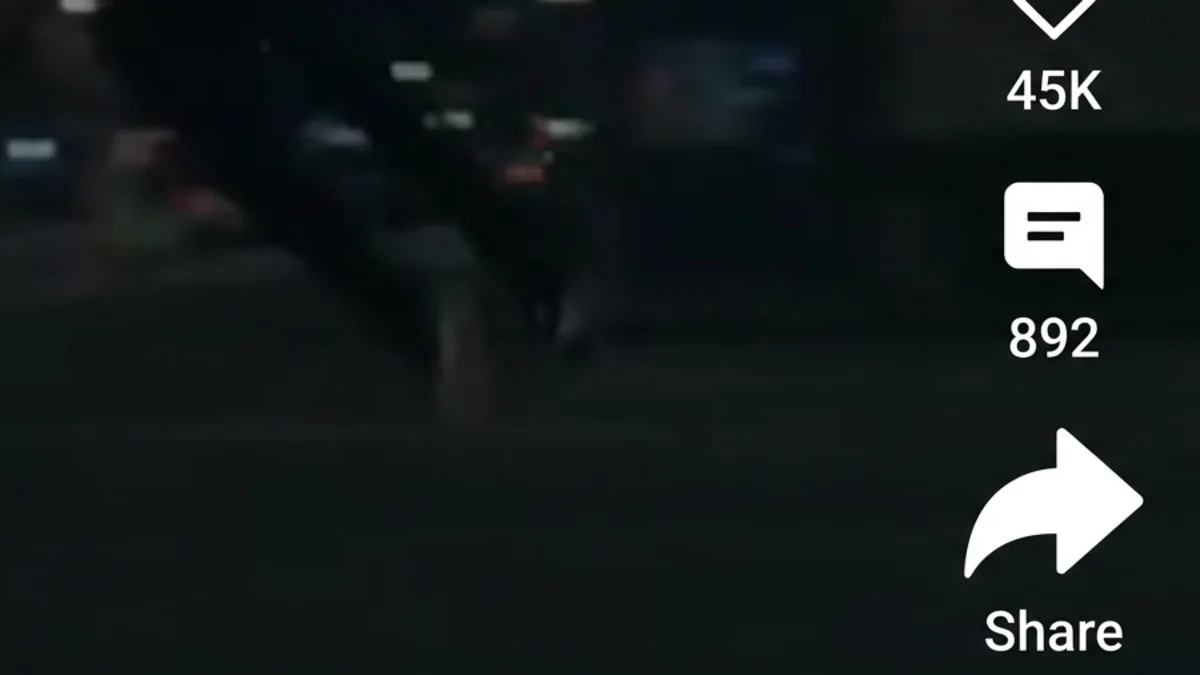
Open the Short in the YouTube app
Tap the Share arrow on the right side of the Short.
- 2
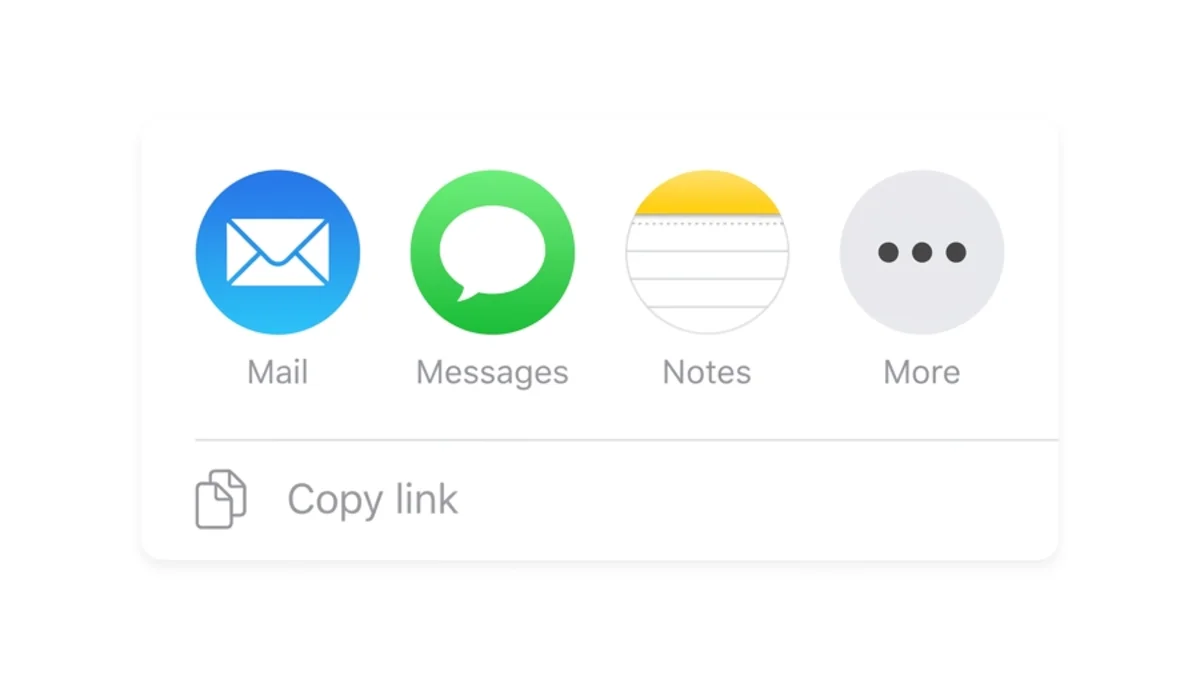
Tap More, then AnyScribe
YouTube shows its own share options first — tap More to open the iOS share sheet, then select AnyScribe.
- 3
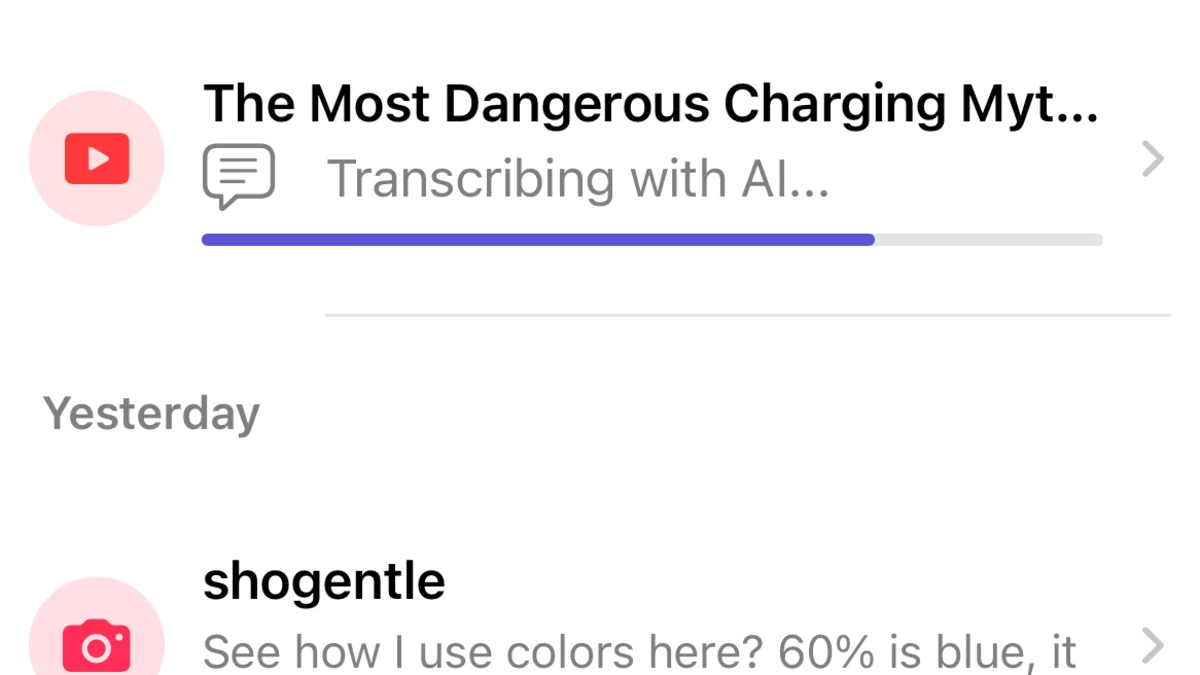
Get the transcript
AnyScribe transcribes the Short and generates a summary. Because Shorts are brief, this barely touches your free minutes.
- 4
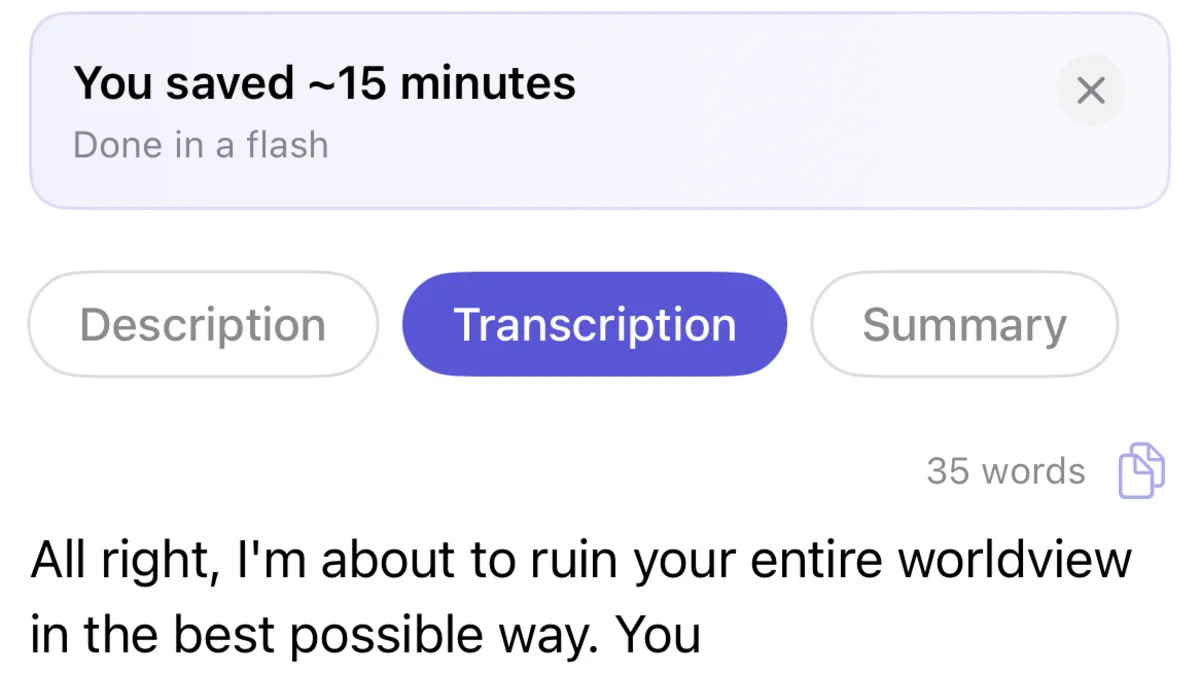
Save, search, or share
The transcript is saved in your library, searchable alongside everything else you have transcribed.
Who this workflow is for
People saving recipes, tips, and how-tos that flash by too fast to note down
Creators studying hooks and scripts from short-form video
Anyone collecting quotes or claims from Shorts to fact-check or reference later
Why transcribe Shorts at all?
Short-form video packs claims, product names, and steps into seconds of speech, and the platform is designed to move you to the next clip before you can write anything down. A transcript turns that into text you can search weeks later.
Since a typical Short uses less than a minute of transcription time, your 30 free minutes cover dozens of Shorts.
What works
YouTube Shorts links shared from the app or pasted
Regular YouTube video links
Screen-recorded clips imported from Photos
Good to know
The Short must be public
Shorts with only music and captions contain little speech to transcribe
iOS and iPadOS only
Simple, Honest Pricing
No subscription. No account. Buy credits when you need them — they never expire.
Free
$0
30 minutes included with the app. No strings attached.
1 Hour
$1.99
Perfect for occasional use. Credits never expire.
4 Hours
Best value$5.99
Best value for regular transcription needs.
12 Hours
$14.99
For power users and professionals. Credits never expire.
FAQ
Common questions
- Are Shorts different from normal YouTube videos?
- Not to AnyScribe. Both are fetched the same way — Shorts are just shorter, so they transcribe faster and use less of your allowance.
- How many Shorts can I transcribe for free?
- The app includes 30 free minutes. At a typical 30-45 seconds per Short, that covers roughly 40-60 Shorts.
- Can I transcribe a Short without the YouTube app?
- Yes. Copy the link from any browser and paste it into AnyScribe.
Start Transcribing for Free
30 minutes of free transcription. No account needed. No subscription ever.
Download for iOSLast verified on August 3, 2026 against the current version of AnyScribe for iOS.